
Start With the Basic Machine Details
Before you submit a support request, confirm exactly which machine is affected and where it is installed. A clear description saves time, especially when the same workshop runs more than one line or shares equipment between shifts.
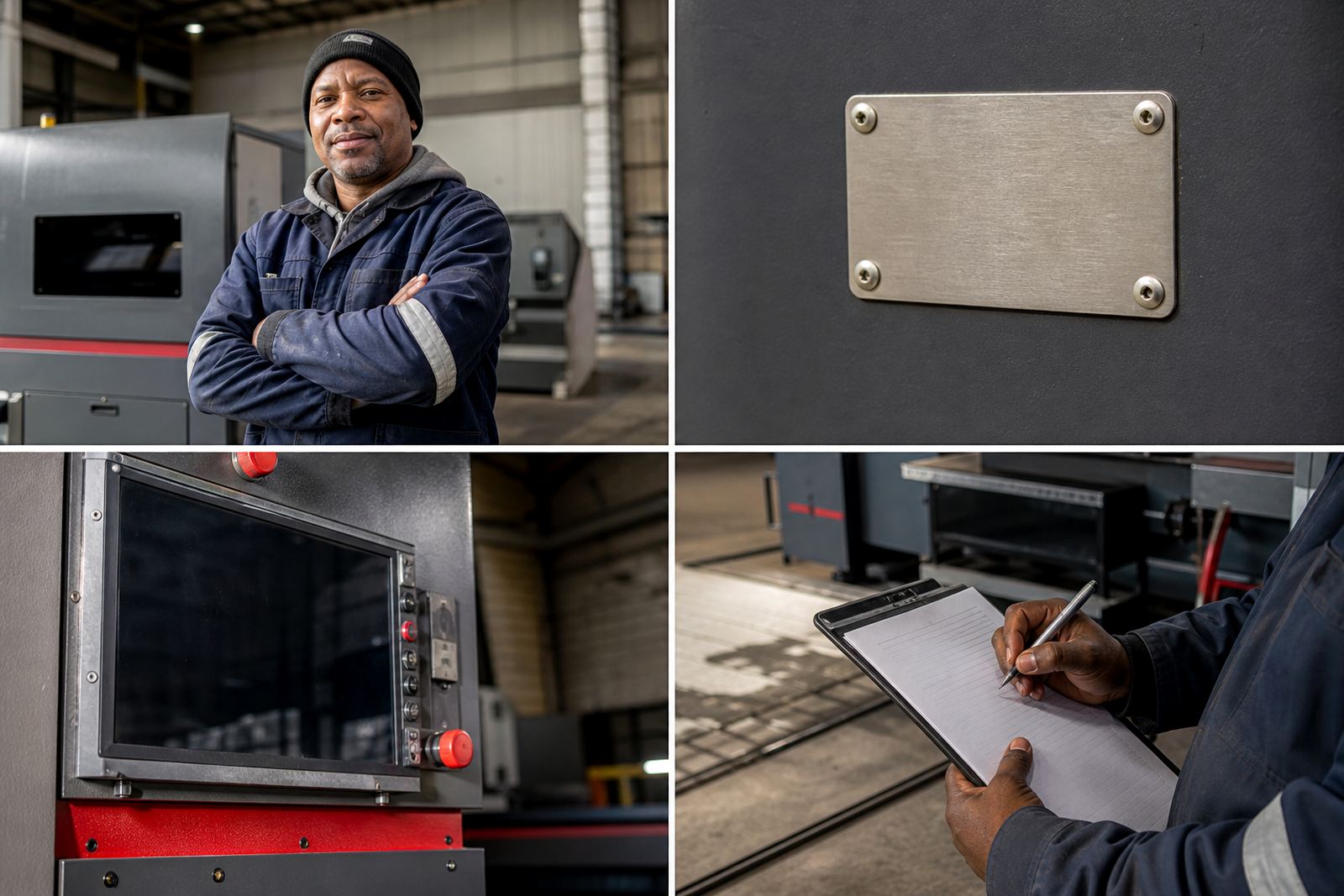
Have the machine type, serial number, installation date and the kind of sheet metal you are running through it. It also helps to note whether the issue started after a change in material, thickness, abrasive grade, operator, or production target. If the machine is in Wadeville, Germiston or on a site in Johannesburg, Pretoria, Durban, Cape Town or Rustenburg, include the site name and the person on the floor who can give access.
- Machine model or machine name
- Serial number
- Site and workshop location
- Material type and thickness range
- Date the fault first appeared
- Any recent setup change, service or relocation
Describe the Problem in Plain Terms
Try to explain what the machine is doing, not only what it is not doing. A note such as “edge finish is uneven on 1.6 mm stainless” is more useful than “machine is faulty”. If the fault comes and goes, say when it happens. That detail often points to a setting issue, a worn abrasive, a feed problem or an electrical interruption caused by load-shedding or poor power quality.
Use simple words and give examples from the latest parts run. If the machine is making a new noise, leaving burrs on one side, overheating, tripping, or slowing down under load, say so. Mention whether the issue affects all parts or only certain sizes, corners or cut paths. Small details matter because laser-cut parts can behave very differently from one job to the next.
- What the finished part looks like
- Where the defect appears on the part
- Whether the issue is constant or intermittent
- Any noise, vibration, heat or smell
- Whether the machine trips, stops or alarms out
Record the Job Conditions Before You Call
Good support starts with the conditions on the day. If the machine was running a new job, a different operator or a different shift, note that down. Also record the production pressure, because some problems only show up when a line is pushed too hard or when parts are moved through too quickly.
For coastal sites in Durban or Cape Town, it is worth mentioning humidity, dust control and whether the machine has been standing idle for a few days. In inland factories, fine metal dust, dry air and inconsistent cleaning can affect finish quality. If your workshop is also dealing with municipal power interruptions or generator changeover, include the times of any stoppages. That helps the service team separate a machine fault from a supply issue.
- Operator name and shift
- Job number or batch reference
- Material grade and sheet thickness
- Machine speed or feed setting used
- Any power interruption or restart
- Workshop conditions such as dust, humidity or temperature
Check the Simple Things Before Logging a Fault
Many service calls can be shortened if the workshop checks the basics first. Make sure the machine is clean, the abrasives are seated correctly, guards are in place and the part path is clear. If the issue started after abrasive replacement or a clean-down, say so. Sometimes the cause is small and easy to correct, but the machine still needs to be inspected if the problem returns.
Do not strip or force parts unless your team has been trained to do that. A quick inspection is fine, but damaged rollers, belts, sensors or electrical components should be left for a qualified technician. If there is smoke, sparking, a strong burning smell or a safety concern, stop the machine and isolate it before anyone continues operating it.
- Check that the machine is clean and clear of scrap
- Confirm abrasives and consumables are fitted correctly
- Look for visible damage, loose fittings or wear
- Confirm guards and safety devices are in place
- Isolate the machine if there is a safety risk
Photos, Samples and Measurements Speed Up Diagnosis
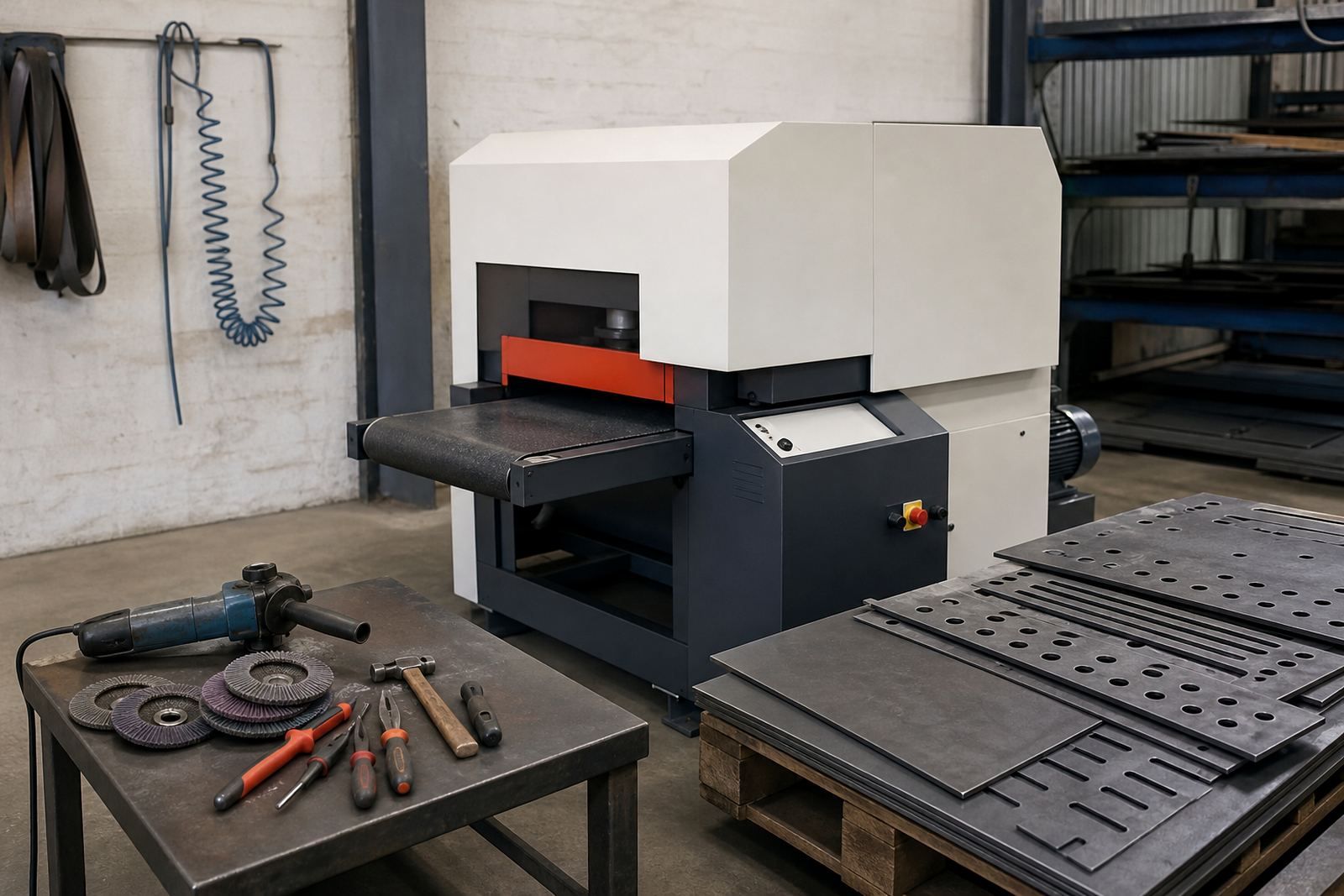
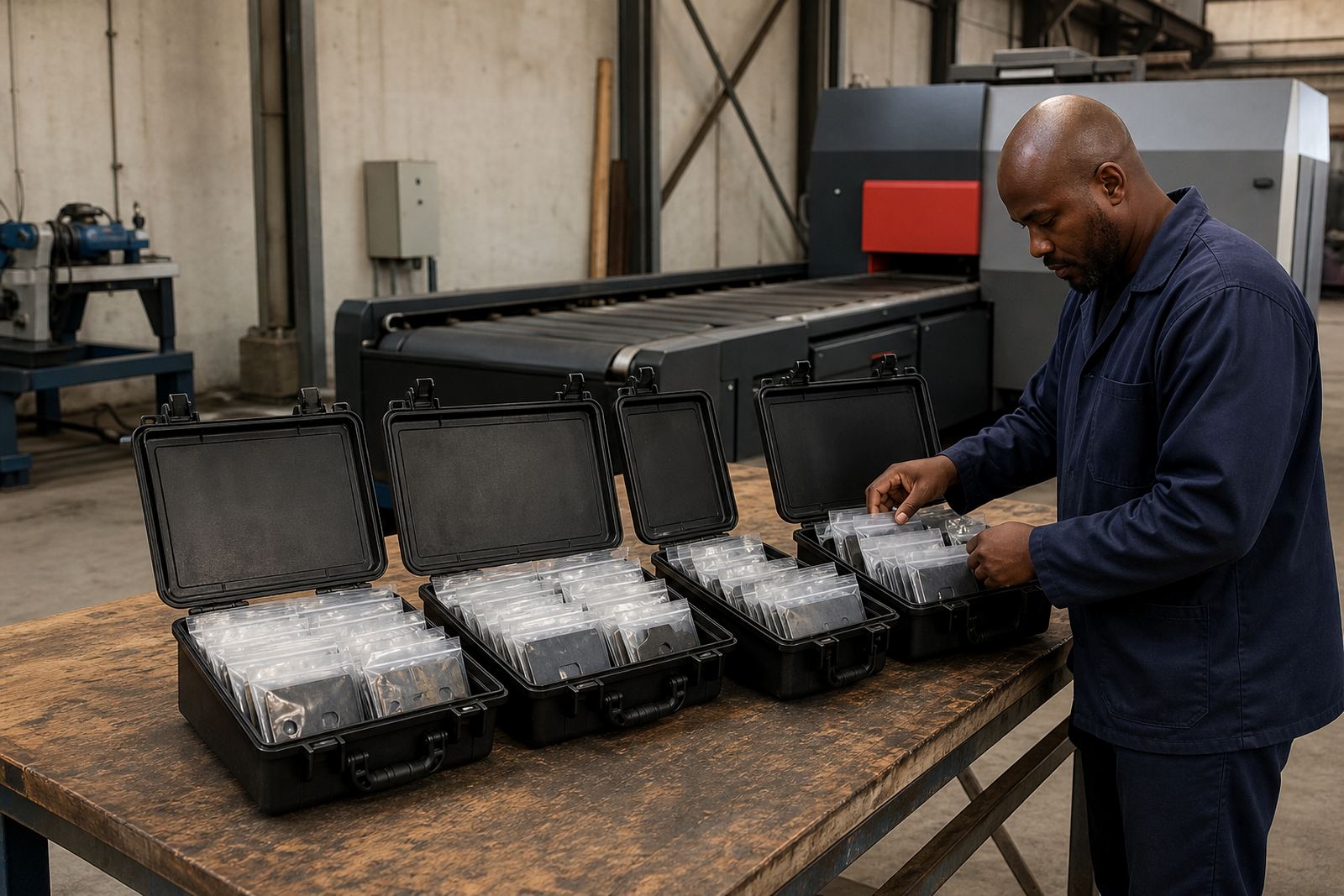
Clear photos and a sample part can save a second visit. Include one photo of the full machine, one close-up of the affected area and one of the finished part edge. If possible, send a before-and-after sample showing the raw laser-cut edge and the finished result. Measurements are useful too, especially if the finish problem affects tolerance, flatness or surface quality.
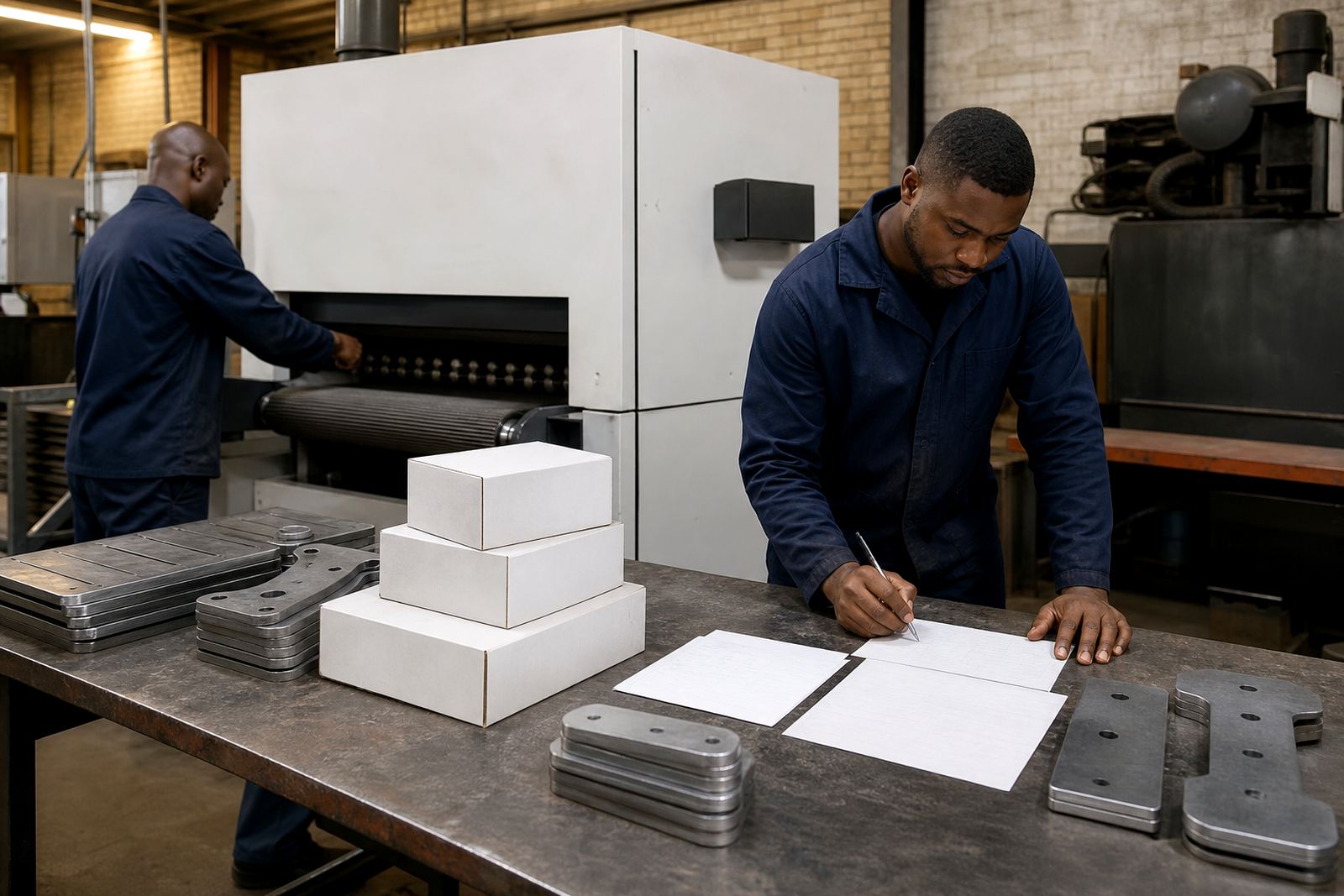
If the part is large, take photos next to a ruler or measuring tape so the support team can judge the size of the defect. If the issue is only showing on certain corners, holes or internal cutouts, make that clear. For recurring jobs, keep one labelled sample in the workshop so future comparisons are easy. That kind of record is especially useful when you are balancing production planning, service intervals and part quality across multiple shifts.
- Full machine photo
- Close-up of the fault or wear point
- Sample part showing the finish problem
- Measurements of the affected area
- Any notes from the operator or supervisor
What to Prepare for a Site Visit or Remote Support
When you book support, have access ready and make sure someone responsible for the machine is available. If the service team is coming to Wadeville, Germiston, the East Rand or further afield to Johannesburg, Pretoria, Durban, Cape Town or Rustenburg, confirm parking, gate access, induction rules and any site safety requirements ahead of time. This avoids delays once the technician arrives.
Also prepare the history of the machine. Service dates, spare parts fitted, any recent relocation work and past breakdowns all help the technician find the cause faster. If the issue is urgent, say whether production has stopped or whether the line can continue on limited output until help arrives. A clear handover lets us decide whether the right response is a site visit, telephone guidance, a sample part test or a planned maintenance booking.
- Access details for the workshop or plant
- Site safety requirements and induction needs
- Machine history and past repair notes
- Spare parts already replaced
- Whether production is stopped or limited
- Best contact person on site during the visit
A Simple Service Call Checklist for Your Team
Use this checklist whenever you log a machine issue or request support. Keeping the same format each time makes handovers cleaner and helps the service team compare one incident to the next. It also saves time when you are under pressure and trying to keep output moving.
Before you submit the request, check that the following are filled in. If you are missing one or two details, send what you have and add the rest as soon as it is available. A partial report is still better than a vague one, and it often gives the technician enough to prepare the right tools and spares.
- Machine identification and site location
- Nature of the problem and when it started
- Material type, thickness and job reference
- Photos or samples where possible
- Recent changes, power issues or operator notes
- Preferred support type: breakdown repair, maintenance, training or audit
With the right details up front, support can be arranged faster and with fewer interruptions to production. That means less downtime, cleaner parts and a workshop that stays on schedule.