
Why feed speed changes the finish after laser cutting
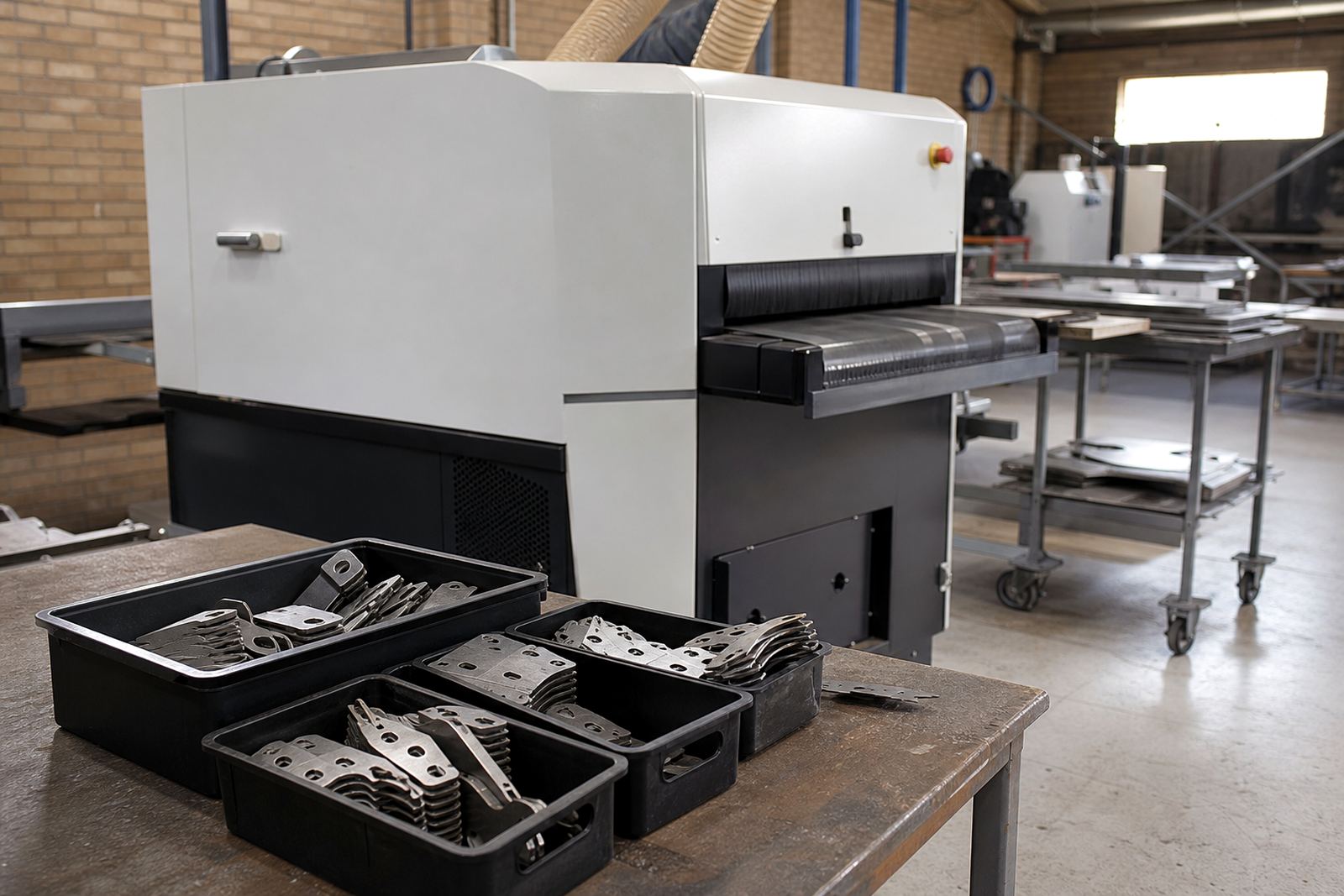
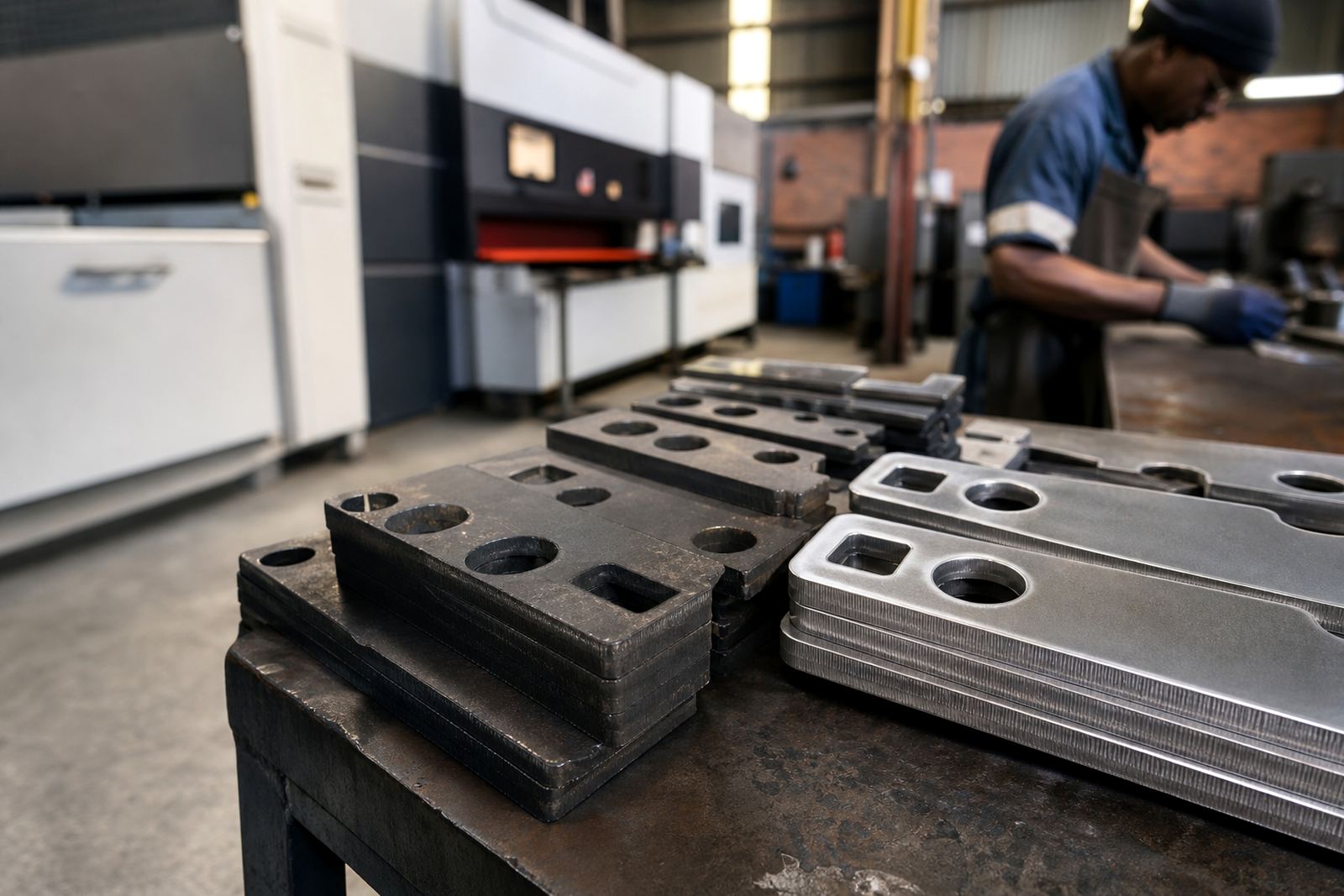
On laser-cut sheet metal, feed speed is not only about how fast material moves through the machine. It also affects the time the abrasive or finishing system has to work on the edge, how much heat builds up, and whether burrs are removed cleanly or simply bent over. If the feed is too slow, the part may come out overworked on the edge and can pick up extra scratch marks or rounding that the customer did not ask for. If the feed is too fast, the machine may miss burrs entirely or leave a rough edge that needs hand finishing.
For most fabricators, the aim is not the fastest possible pass. The aim is a consistent finish that suits the part. A panel for a cabinet in Pretoria may need a clean cosmetic edge, while a heavy bracket for a plant in Durban may need a slightly sharper edge but strong burr removal. The machine has to be set for the job, not just the shift target.
The main feed speed trade offs operators see
When feed speed changes, operators usually notice the effect in four places: edge quality, machine load, heat, and output per hour. The trick is to balance all four, because improving one can hurt another. A slower feed often gives better contact time and more even deburring, but it can also reduce throughput and increase abrasive wear. A faster feed can boost output, yet it may leave fine burrs standing, especially on thinner sheet or on parts with many piercings.
- Edge quality: slower can improve consistency, but only to a point.
- Heat: too much dwell time may warm the sheet and affect coating or handling.
- Tool wear: aggressive settings can wear abrasive faster than expected.
- Throughput: higher speed helps only if the finish still passes inspection.
In practice, many shops in Wadeville and the East Rand run sample parts at more than one speed before locking in a production setting. That small test saves time later, even if it means stopping the line for 10 minutes. A good setting today can stop a pile of rejects tommorrow.
Material thickness and cut pattern change the right feed
Feed speed should not be set the same for every job. Thin mild steel, stainless sheet and aluminium behave differently, and the cut pattern matters as well. A light panel with long straight cuts can often move through faster than a compact part with internal corners, tabs and small holes. Those details trap burrs and create local build-up, so the machine may need a slower pass to clear them properly.
Thickness also matters because heavier sheet usually carries a stronger edge burr after cutting. On thicker material, a slightly slower feed may be needed to give the deburring heads enough contact. On very thin sheet, the wrong feed can cause edge distortion or excessive edge rounding. Fabricators serving Cape Town and Durban often need to factor in coastal humidity too, because stored sheet can arrive with surface moisture or light oxidation that changes how the finish behaves.
Before full production, it helps to check a sample part from the same batch, not a random offcut from another stack. That gives a more accurate result and avoids chasing settings that only worked on one clean piece. It is a small step but it pays back quickly.
Signs your feed speed is too fast or too slow
The shop floor usually tells you when the setting is off. If operators keep seeing burrs on sharp corners, uneven edge colour, or parts that still need hand touch-up, the feed is probably too fast. If parts are coming out over-polished, warm to the touch, or showing unnecessary rounding on edges that should stay crisp, the feed may be too slow.
- Too fast: visible burrs remain on corners and around piercings.
- Too fast: dust and scrap collect unevenly because the machine is not clearing the edge fully.
- Too slow: excessive edge rounding on functional parts.
- Too slow: higher abrasive use with no clear gain in finish.
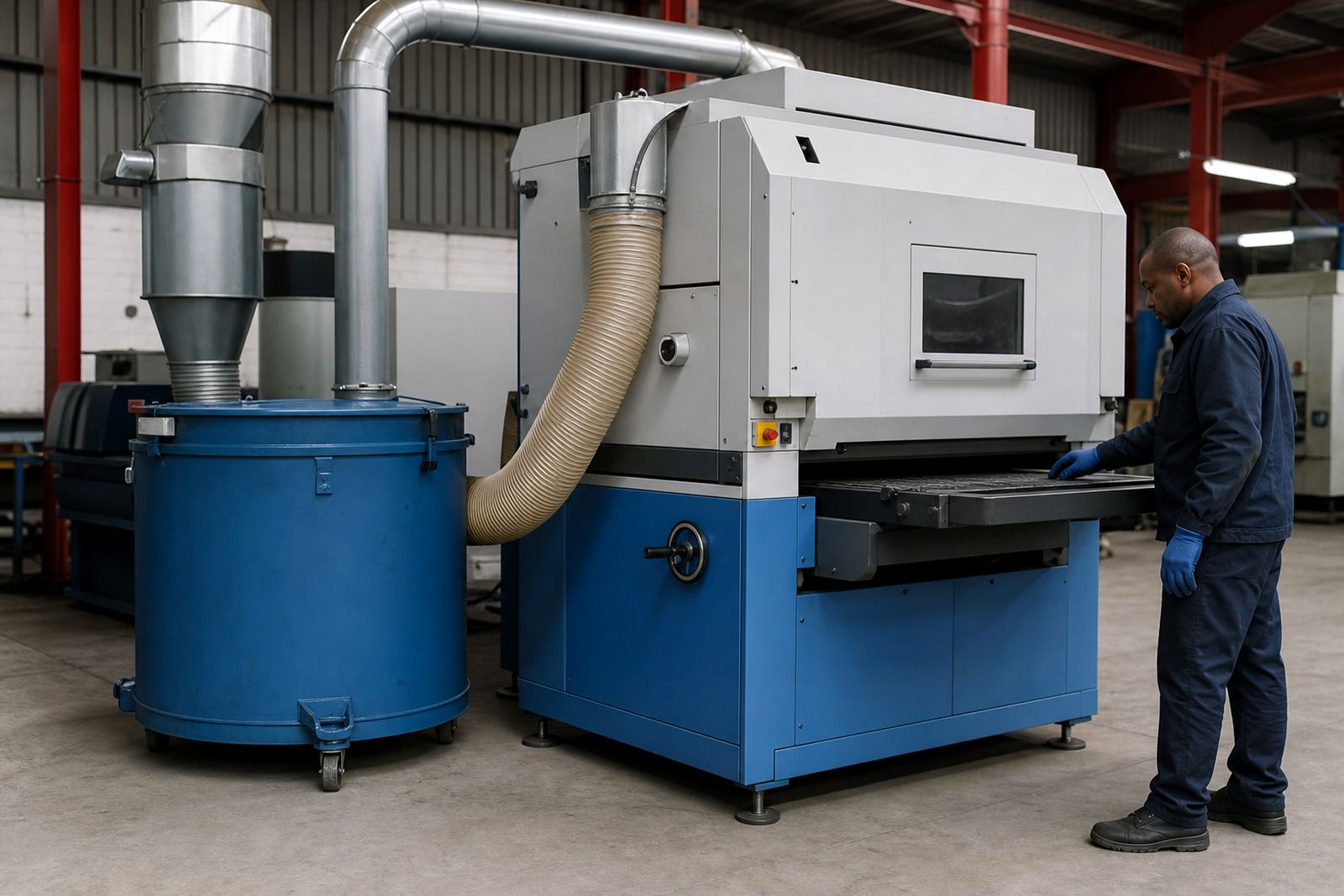
It is worth checking the whole line, not only the machine setting. A poorly aligned conveyor, worn abrasive, or inconsistent loading can make a good feed speed look wrong. In one Rustenburg job, a customer thought the problem was speed, but the real issue was worn consumables and uneven part spacing on the infeed. Once that was corrected, the same speed produced a clean result.
How to set feed speed for better production flow
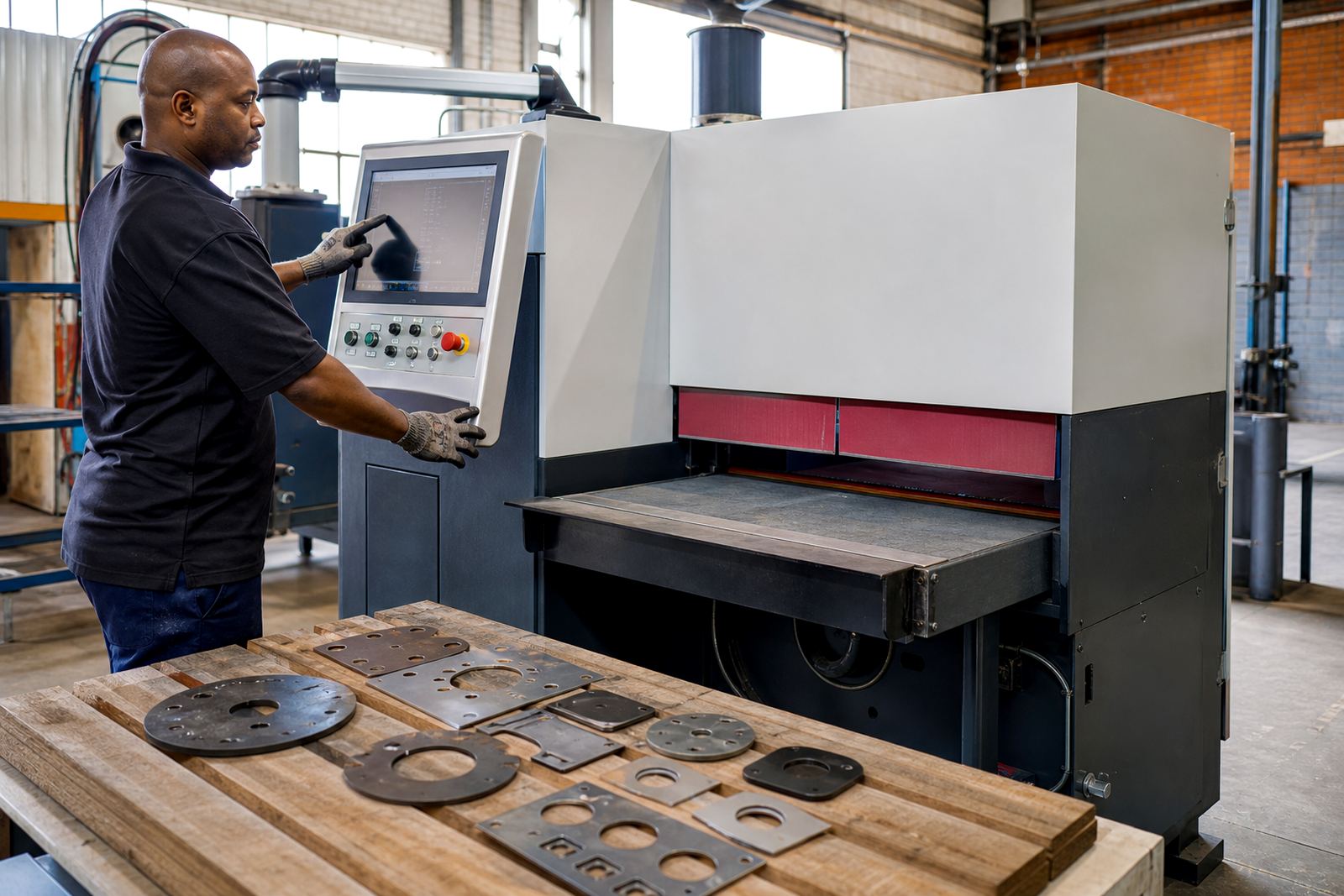
The best setting is one that the team can repeat across shifts. Start with a sample part, inspect the edges, then adjust in small steps until the finish meets the spec. Keep notes for each material type and thickness, because what works on 1.6 mm mild steel will not automatically work on 3 mm stainless. That simple record becomes valuable when load-shedding interrupts production and the team has to restart after a stop.
For larger plants, it helps to link feed speed to the next process. If the parts go straight to bending, assembly or powder coating, the finish needs to suit that stage too. A part that looks acceptable coming off the machine may still cause trouble later if the edge is too rough or too rounded. Production planning gets easier when the finishing line and the rest of the workshop are matched properly.
- Test one material and thickness at a time.
- Check corners, cut-outs and long edges separately.
- Record the setting with the job card.
- Review the result after the next process, not only at the machine.
A local example from a high-mix fabrication shop
A Johannesburg fabricator making enclosures for industrial use had one recurring problem: the same sheet would pass visual checks on Monday but need rework by Thursday. Their team was running a single feed setting across different batch sizes, and the parts with tighter cut patterns were coming through with extra burrs. After a machine audit and sample part testing, the feed was adjusted by material and geometry rather than by operator preference.
The result was a steadier finish, fewer hand files at the bench, and better output per shift. The operators did not need to keep guessing, and the service team could support the process with a proper settings sheet and preventive maintenance plan. That kind of improvement is common when the machine, the material and the workflow are treated as one system. It may sound simple, but in real production it makes a proper difference.
For South African workshops, the value is practical. Less rework means lower labour cost, cleaner dispatch, and fewer delays when orders need to leave for Pretoria, Durban or Cape Town on time.